Password Generator – Free Random & Strong Password Generator Online
Password Generator is one of the easiest and most effective tools for creating strong, random, and secure passwords for your online accounts. Keeping your email, social media, banking, and shopping accounts safe has become more important than ever. Every day, millions of people use passwords to access websites and apps, but weak passwords remain one of the biggest reasons hackers successfully break into online accounts.
A Password Generator helps solve this problem by creating secure, random, and difficult-to-guess passwords within seconds. Instead of using simple passwords like your name, birthday, or “123456,” you can generate a strong password that protects your personal information from cyber attacks.
Our Free Password Generator creates random passwords using uppercase letters, lowercase letters, numbers, and special symbols. Whether you need a password for Gmail, Facebook, Instagram, PayPal, banking apps, or business accounts, this tool helps you generate a secure password instantly.
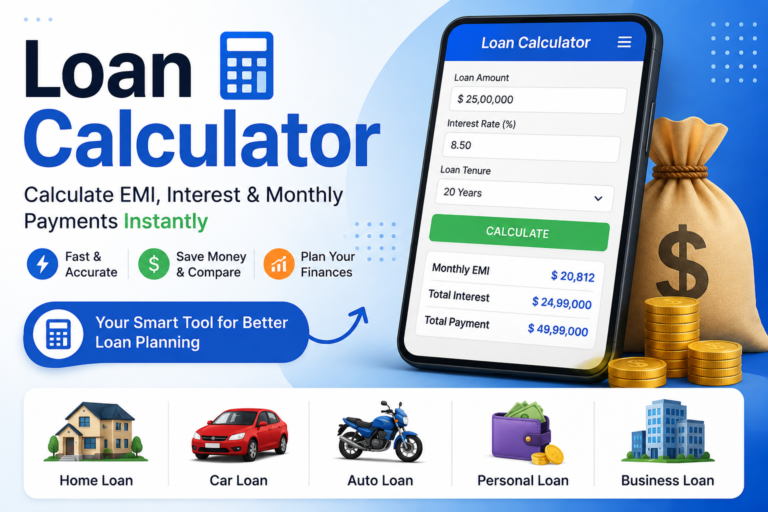
The best part is that you do not need to install any software or create an account. Simply choose your preferred password length, select the characters you want to include, and generate a strong password in one click. If you regularly create online accounts, using a Random Password Generator is one of the easiest ways to improve your online security. You may also check: Loan Calculator
Generate your Password Online Now
Password Generator
Your Secure Password
• Use at least 12 characters.
• Include uppercase, lowercase, numbers and symbols.
• Never reuse passwords.
• Store passwords in a password manager whenever possible.
What Is a Password Generator?
A Password Generator is an online security tool that automatically creates strong and random passwords. These passwords are designed to be difficult for hackers, bots, or password-cracking software to guess.
Unlike passwords created by people, randomly generated passwords contain a mixture of different character types, making them much more secure.
A strong password usually includes:
- Uppercase letters (A–Z)
- Lowercase letters (a–z)
- Numbers (0–9)
- Special symbols (! @ # $ % & *)
For example:
Weak Password
john123Strong Password
M@8qR!7Lp#29XaThe second password is significantly harder to guess because it combines different character types in a random order.
Why Should You Use a Random Password Generator?
Many people still use simple passwords because they are easy to remember. Unfortunately, simple passwords are also easy for hackers to crack.
Common passwords include:
- 123456
- password
- qwerty
- abc123
- iloveyou
- admin
These passwords appear in almost every password leak and are often tested first during hacking attempts.
A Random Password Generator creates passwords that cannot be predicted easily. Since every generated password is unique, your accounts become much more secure.
Using randomly generated passwords also reduces the risk of:
- Identity theft
- Email hacking
- Social media account compromise
- Banking fraud
- Data leaks
- Unauthorized access
Why Strong Passwords Matter
A password is the first line of defense for your online accounts. If someone guesses your password, they may gain access to your personal information, financial data, private photos, or work documents.
Strong passwords significantly reduce this risk.
Imagine using the same weak password for:
- Gmail
- PayPal
- Online Banking
If one website suffers a data breach, hackers may try the same password on all your other accounts. This attack is known as credential stuffing.
Creating a unique password for every account is the safest approach, and that's exactly where a Strong Password Generator becomes useful.
Benefits of Using a Password Generator
There are many reasons why security experts recommend using a password generator instead of creating passwords manually.
Better Online Security
Random passwords are much harder to crack than common words or names.
Saves Time
Instead of thinking about a new password every time you register on a website, the generator creates one instantly.
Creates Unique Passwords
Every generated password is different, helping you avoid reusing passwords across multiple accounts.
Reduces Human Errors
People often create predictable passwords. A generator removes this habit by producing completely random combinations.
Free and Easy to Use
Our online tool works directly in your browser without downloading any software.
Suitable for Personal and Business Use
Whether you're protecting your personal email or managing business accounts, a password generator helps improve account security.
Features of Our Free Password Generator
Our Password Generator Online includes several useful options that allow you to create passwords based on your security requirements.
Generate Random Passwords
Create completely random passwords in one click.
Choose Password Length
Select how long you want your password to be. Longer passwords generally provide better protection.
Include Uppercase Letters
Add capital letters to increase password complexity.
Example:
A B C DInclude Lowercase Letters
Lowercase letters help create stronger combinations.
Example:
a b c dInclude Numbers
Numbers make passwords much harder to predict.
Example:
1 2 3 4 5Include Symbols
Special characters provide another level of security.
Example:
! @ # $ % ^ &One-Click Copy
After generating a password, you can copy it instantly and use it wherever needed.
Mobile Friendly
The tool works smoothly on Android phones, iPhones, tablets, laptops, and desktop computers.
How Does a Password Generator Work?
Although the process looks simple, a password generator uses algorithms to create random combinations of characters.
The typical process looks like this:
- Choose the desired password length.
- Select character types such as uppercase, lowercase, numbers, and symbols.
- Click the Generate Password button.
- The tool creates a completely random password.
- Copy and use it for your online account.
Every time you click Generate, a completely new password is created.
This randomness makes passwords extremely difficult to predict.
Where Can You Use a Strong Password?
A strong password is useful for almost every online service.
Examples include:
- Google Account
- Gmail
- X (Twitter)
- PayPal
- Amazon
- Netflix
- Microsoft Account
- Apple ID
- Online Banking
- Crypto Wallets
- WordPress Websites
- Business Dashboards
- Cloud Storage
- Office 365
- Gaming Accounts
Any account that stores your personal or financial information should always have a strong and unique password.
Tips for Creating a Strong Password
Although a Password Generator creates secure passwords automatically, it is still useful to understand what makes a password strong. Following a few simple rules can greatly improve the security of your online accounts.
Use a Long Password
One of the easiest ways to make a password more secure is by increasing its length. Security experts recommend using at least 12 to 16 characters. Longer passwords take much more time to crack than shorter ones.
For highly sensitive accounts like online banking or business email, consider using 20 or more characters.
Mix Different Character Types
A strong password should include different types of characters, such as:
- Uppercase letters
- Lowercase letters
- Numbers
- Special symbols
Using a combination of these characters makes the password much harder to guess.
Avoid Personal Information
Never use personal details such as:
- Your name
- Date of birth
- Phone number
- City name
- Family member names
- Pet names
Hackers often collect this information from social media profiles.
Never Reuse Passwords
Using the same password for multiple websites is one of the biggest security mistakes.
If one website suffers a data breach, hackers may use the same password to access your other accounts.
Always create a unique password for every website.
Update Important Passwords Regularly
For important accounts like banking, email, and work accounts, changing your password every few months is a good habit.
If you ever suspect your account has been compromised, change your password immediately.
Common Password Mistakes to Avoid
Many people unknowingly create weak passwords that are easy to guess.
Avoid these common mistakes:
- Using "123456" or "password"
- Using your own name
- Using your birthday
- Reusing passwords across different websites
- Sharing passwords with others
- Saving passwords in plain text files
- Creating passwords with fewer than 8 characters
Avoiding these mistakes can significantly improve your online security.
Password Generator vs Manual Password Creation
Many users wonder whether they should create passwords themselves or use an online password generator.
| Password Generator | Manual Password |
|---|---|
| Creates completely random passwords | Often predictable |
| Faster | Takes time |
| Much stronger security | Usually weaker |
| Difficult to crack | Easier to guess |
| Unique every time | Often reused |
For better online security, a Random Password Generator is the safer option.
Password Generator vs Password Manager
Although the names sound similar, these two tools serve different purposes.
Password Generator
A Password Generator creates strong and random passwords for new accounts.
Password Manager
A Password Manager stores all your passwords securely so you don't have to remember each one.
Many people use both together. They generate strong passwords using a Password Generator and save them safely in a Password Manager.
Who Should Use a Password Generator?
Almost everyone who uses the internet can benefit from a secure password.
This tool is especially useful for:
- Students
- Teachers
- Office employees
- Business owners
- Freelancers
- Developers
- Bloggers
- Gamers
- Online shoppers
- Bank customers
- Cryptocurrency users
- Website administrators
Whether you have five online accounts or fifty, using strong passwords helps protect your personal information.
Best Practices for Online Account Security
A strong password is important, but it should be part of a complete security strategy.
Here are some best practices:
- Enable Two-Factor Authentication (2FA)
- Never share your passwords
- Use different passwords for every account
- Log out from shared devices
- Keep your browser updated
- Avoid entering passwords on suspicious websites
- Check website URLs before logging in
- Change passwords immediately after any security breach
These simple habits can help keep your online accounts secure.
Why Choose Our Free Password Generator?
There are many password tools available online, but our Free Password Generator is designed to be fast, simple, and reliable.
Fast Password Generation
Generate secure passwords instantly with just one click.
Easy to Use
The interface is clean and beginner-friendly, making it suitable for users of all experience levels.
Fully Random Passwords
Every password is created using random combinations of characters for better security.
Mobile Friendly
The tool works smoothly on Android phones, iPhones, tablets, laptops, and desktop computers.
Free Forever
No registration, subscription, or software installation is required. You can generate unlimited passwords anytime.
Frequently Asked Questions (FAQs)
What is a Password Generator?
A Password Generator is an online tool that creates strong, random, and secure passwords using letters, numbers, and special characters to help protect your online accounts.
Is this Password Generator free?
Yes. Our Password Generator is completely free to use without any registration or hidden charges.
What is the ideal password length?
For most users, a password between 12 and 16 characters provides excellent security. For highly sensitive accounts, consider using 20 characters or more.
Can I use the same password for multiple accounts?
No. It is always recommended to use a unique password for every account to reduce the risk of hacking.
Are randomly generated passwords safe?
Yes. Random passwords are much stronger than manually created passwords because they are difficult to predict and harder for hackers to crack.
Can I use this Password Generator on my mobile phone?
Absolutely. The tool works perfectly on Android smartphones, iPhones, tablets, laptops, and desktop computers.
Final Thoughts
Using a Password Generator is one of the easiest ways to improve your online security. Instead of relying on weak or repeated passwords, you can create a unique and secure password for every account within seconds.
Our Random Password Generator helps you generate strong passwords using uppercase letters, lowercase letters, numbers, and special symbols. Whether you're creating a new Gmail account, protecting your social media profiles, securing online banking, or managing business accounts, a strong password is your first line of defense against cyber threats.
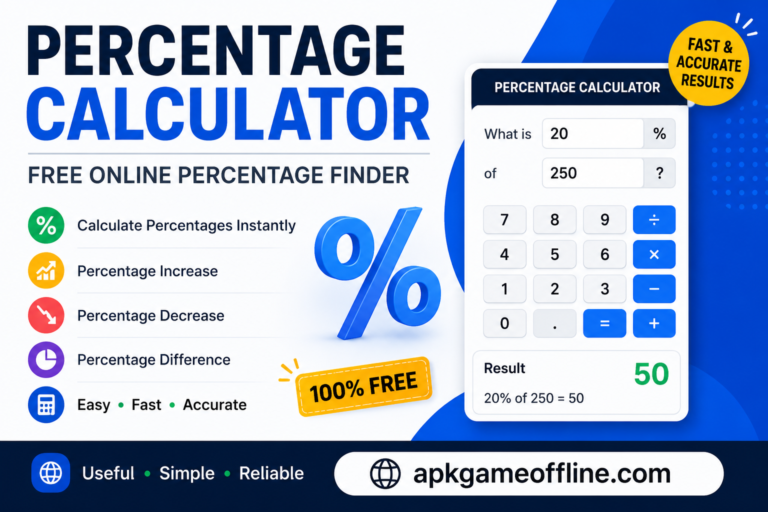
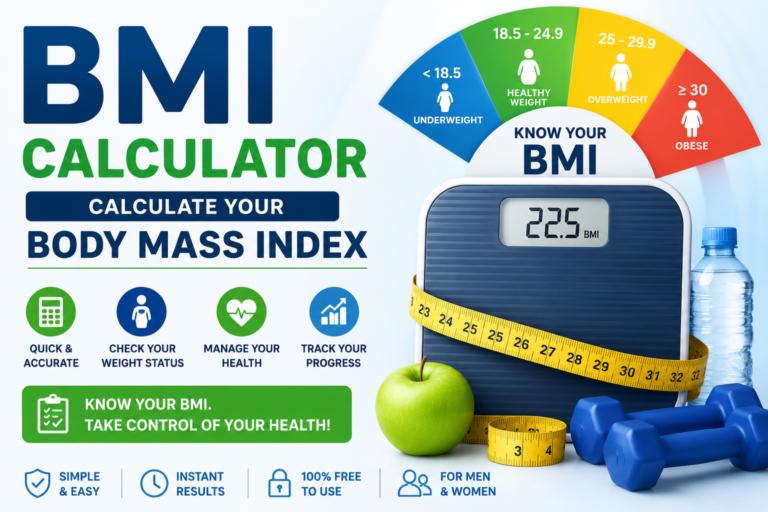
If you frequently use online tools, you may also find our other free utilities useful, including the Age Calculator, BMI Calculator, Percentage Calculator, and Loan Calculator. Each tool is designed to make everyday tasks easier while providing fast and accurate results.
Bookmark this page and use our Free Password Generator whenever you need a secure, random, and reliable password. It is quick, easy to use, and available anytime on any device.